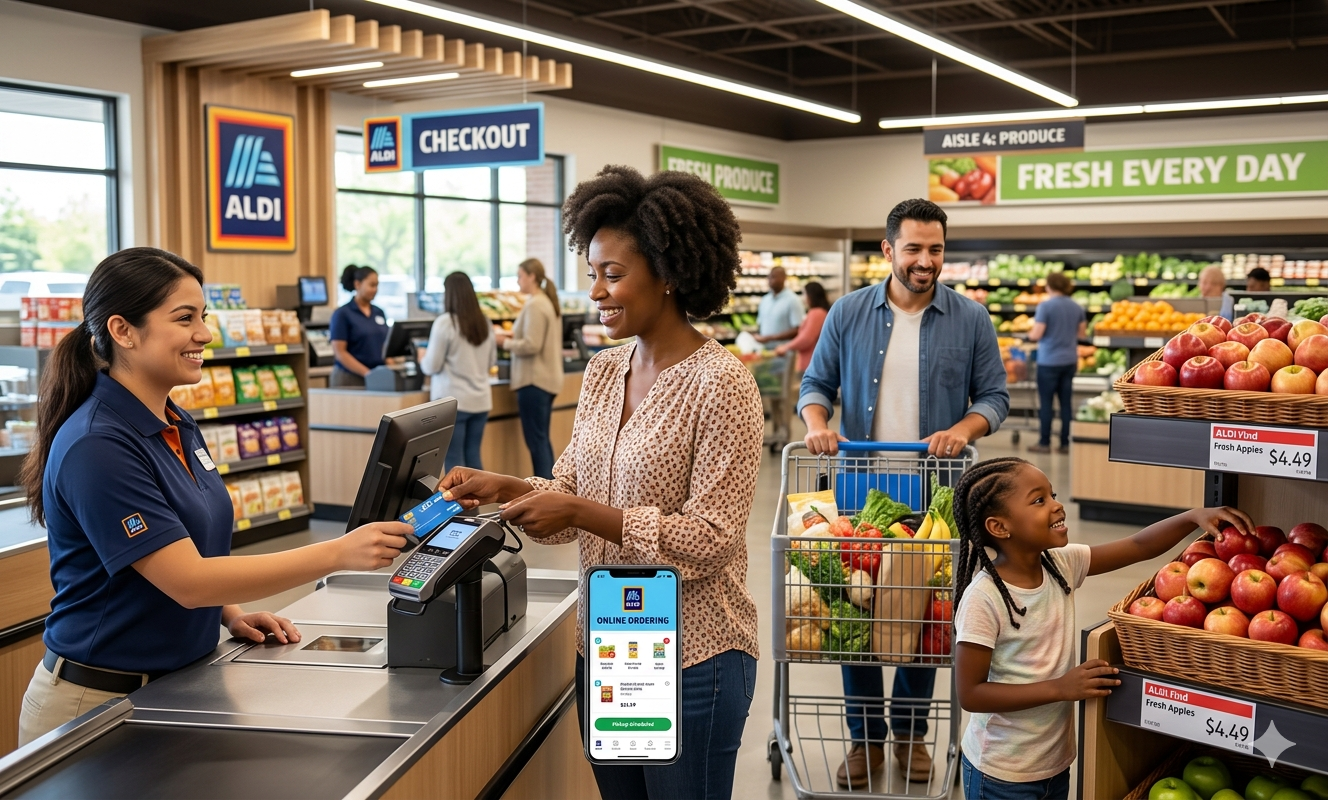
Electronic Benefit Transfer (EBT) is a system that allows state welfare departments to issue benefits via a magnetically encoded payment card. This system is primarily used in conjunction with the Supplemental Nutrition Assistance Program (SNAP), which provides financial assistance to low-income individuals and families to purchase food. The goal of SNAP is to alleviate hunger and improve nutrition by ensuring that vulnerable populations can afford to buy groceries.
Eligibility for SNAP benefits is determined by several factors, including household size, income, and expenses. Generally, those whose incomes fall below the federal poverty level may qualify for assistance. Additionally, certain groups, such as the elderly, disabled, or households with children, may receive priority access to benefits. Once qualified, recipients receive an EBT card loaded with a monthly allowance, which can be used at authorized retailers across the country.
One of the significant advantages of EBT is that it allows for the flexibility to buy food items that meet nutritional needs. However, there are restrictions on what can be purchased. For instance, EBT cannot be used to buy tobacco, alcoholic beverages, nor prepared meals in most states. These guidelines are put in place to ensure that funds are utilized for essential food items and to promote healthier eating habits among recipients.
As online grocery shopping gains popularity, understanding how EBT works in the context of services like Instacart is crucial. While many retailers on Instacart accept EBT, it is essential to check each store’s policy regarding online purchases. Users must understand their state’s specific guidelines related to EBT eligibility for online groceries, as these may vary. Being informed about what items can be purchased and how to use the card effectively will enhance the overall shopping experience.
Adding Your EBT Card as a Payment Method on Instacart
In order to utilize your EBT card for online grocery shopping through Instacart, you must follow a series of straightforward steps to ensure the successful addition of your card as a payment method. This process can be completed on both the Instacart app and the website.
Firstly, launch the Instacart app or navigate to the Instacart website. If you don’t already have an account, you will need to create one by entering your personal details and setting up a password. If you are an existing user, log in using your credentials.
Once you are logged into your account, locate the “Account Settings” option, which you can find within the menu. From here, select the “Payment Methods” section. You will see a prompt to add a new payment method. Click on this option to proceed.
Next, select “EBT Card” from the payment options provided. Here, you will be required to enter your EBT card number, expiration date, and any other necessary information such as the cardholder’s name. Ensure that all entered information is accurate to avoid potential errors.
After entering your EBT details, confirm the information and save your changes. It is essential to note that once you add your EBT card, it may take a moment for the system to verify your information.
In case you encounter issues while adding your EBT card, ensure that you are entering the details correctly and that your EBT card is active. Sometimes, accessing customer support via the Instacart help center can provide guidance or resolve issues efficiently.
Overall, the process of adding your EBT card to Instacart is designed to be user-friendly, allowing you to shop conveniently online with the benefits of your EBT resources.
Removing Your EBT Card from Instacart
Removing an EBT card from your Instacart account is a straightforward process that can be executed through the account settings. It is important to follow the correct steps to ensure that the payment method is removed without any complications. To start, log into your Instacart account using your credentials. Navigate to the account settings, which can usually be found in the top-right corner of the homepage or the app interface.
Once in the account settings, look for the section labeled “Payment Methods” or something similar. Here, you will find all the payment methods currently linked to your account, including the EBT card. Click on the EBT card option, and you should see an option to remove or delete the card. Confirm the action as prompted, and the EBT card will be removed from your account.
It is crucial to note that removing your EBT card from Instacart means that you will no longer be able to use it for purchasing groceries through the platform. However, you can still retain other payment methods, such as credit or debit cards, for transactions. This action may also affect any upcoming orders that were planned using the EBT card. Therefore, it is advisable to ensure that you have updated your payment preferences before proceeding with any purchases.
Frequently asked questions regarding the implications of removing an EBT card often arise. Many users inquire about whether they can relink their EBT card in the future or if removing the card will affect their account status. Rest assured, you can re-add your EBT card at any time by following the same process used for adding a new payment method. By being aware of these steps and considerations, managing your EBT card on Instacart can be a seamless experience.
Using SNAP Benefits for Grocery Delivery: Rules and Regulations
The Supplemental Nutrition Assistance Program (SNAP) facilitates access to food for millions of Americans, allowing eligible participants to purchase various food products. When it comes to using SNAP benefits for grocery delivery services like Instacart, it is crucial to understand the specific rules and regulations that govern these transactions. Firstly, it is essential to note that SNAP benefits can generally be used to purchase food items for home consumption, but there are limitations pertinent to the types of products that can be acquired.
Eligible items typically include staple foods such as fruits, vegetables, meats, dairy products, bread, and cereals. However, non-food items such as household supplies, personal care products, and hot prepared foods are not covered under SNAP benefits. Furthermore, states may impose additional regulations or restrictions regarding the specific grocery items that can be purchased or the format of grocery deliveries. Therefore, an awareness of both federal and state guidelines is essential for compliance.
For those utilizing SNAP benefits through grocery delivery services, it is advisable to familiarize oneself with the particular regulations of their state. This may include specific limitations on certain products or variations in how benefits are applied in online settings. When placing an order, customers should ensure that they are only selecting eligible items to avoid complications that may arise from system errors or discrepancies at checkout.
Best practices for ensuring compliance when using SNAP benefits on delivery platforms involve regular review and updating of the list of eligible products. This can assist EBT users in making informed choices while shopping online. Additionally, it is prudent to consult customer service representatives or the FAQ sections of delivery service websites for further guidance on utilizing SNAP benefits effectively and within legal frameworks.